Lion-O Collectible 3D Printing Course
Learn the full process of creating a stylized collectible for 3D printing, from sculpting the character to preparing clean, printable files.
This course includes over 30 hours of recorded training where I walk through the complete creation of a collectible character in ZBrush, including two full poses, sculpting decisions, print prep, cutting, keying, and presentation.
You’ll also get guest lessons covering both major printing workflows:
FDM printing with Wekster
Resin printing in Lychee with Derek
Inside the course, you’ll learn:
⭐ How to approach a stylized collectible from start to finish
⭐ How to sculpt and refine a dynamic character pose
⭐ How to create two finished pose variations
⭐ How to prep a sculpt for 3D printing
⭐ How to cut and key parts for assembly
⭐ How FDM and resin workflows differ
⭐ How to think like a collectible artist, not just a sculptor
This is a great fit if you already know the basics of ZBrush and want to see how a professional collectible-style character comes together from beginning to end.
Includes lifetime access to the recordings.
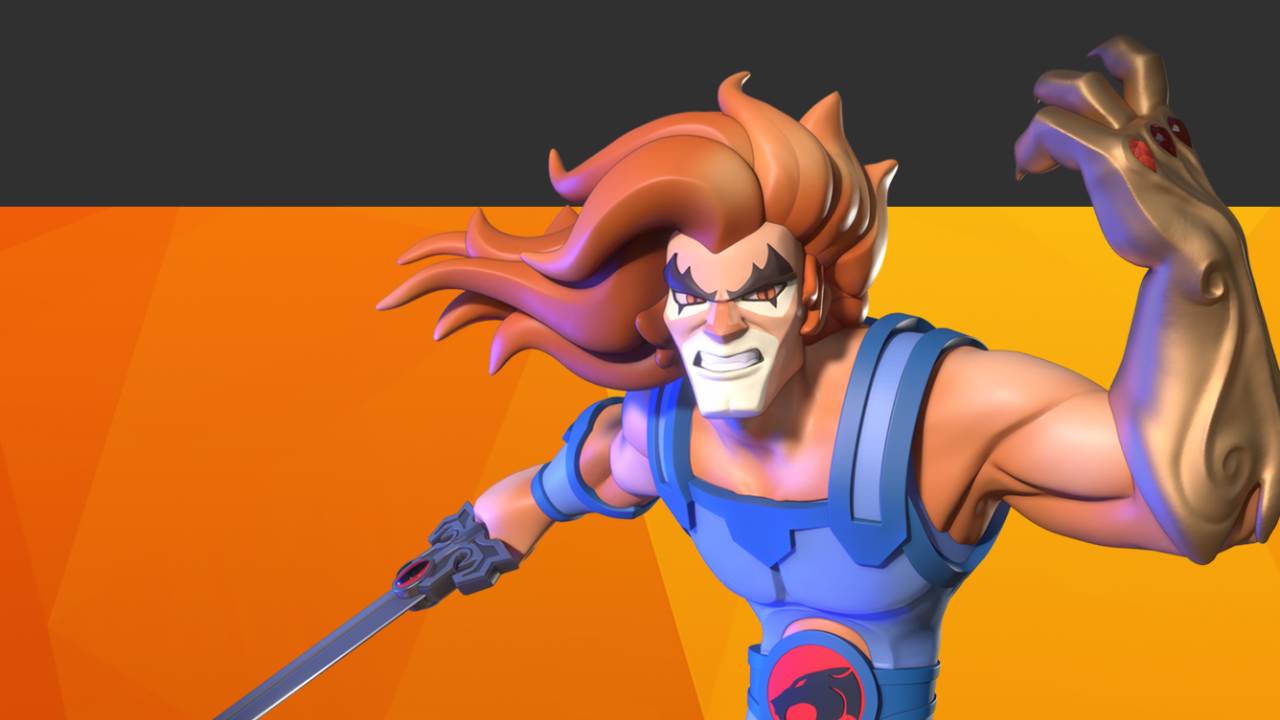
Lion-O 3D Printing Walkthrough
-
Lion-O
70 lessons-
Anatomy Blockout
- Lion-O Part I - Preparing your Reference Image
- Lion-O Part II - Bringing your Image into ZBrush
- Lion-O Part III - Blocking Out the Head
- Lion-O Part IV - Blocking Out the Body
- Lion-O Part V - Blocking Out the Legs
- Lion-O Part VI - Blocking Out the Arms
- Lion-O Part VII - Blocking Out the Hands
- Lion-O Part VIII - Blocking Out the Thumb and More Muscles
- Lion-O Part IX - Additional Anatomy
- Intermission
-
Costuming
- Base Mesh Prep
- Boots Part 1
- Boots Part 2
- Boots Part 3
- Hands
- Chest
- Chest Border
- TorsoStraps
- Slicing Torso
- Bracers
- Belt
- Belt Logo
-
Head
- Proportion Tweaks
- Ears and Nose
- Eyes and Face
- Jaw Planes
- Mouth
- Eyes and Eyelashes
- Hair 1
- Hair 2
- Hair 3
- Hair 4
-
Sword
- Sword Part 1
- Sword Part 2
- Hilt
- Sword Handle
- Fix a deleted object
-
Organize and Pose
- Organize
- Posing Part 1
- Posing Part 2
- Posing Part 3
- Mesh Match and Scale
-
Slicing
- Slicing Part 1
- Slicing Part 2
- Slicing Part 3
-
Keying The Standard Pose
- Keying Part 1
- Keying Part 2
-
Standard Pose Final Steps
- New Base
- Problem Checking and Solving
-
New Dynamic Pose Art Direction!
- Dynamic Pose Intro
- Prepping For Posing
- Creating the mouth
- Adding Teeth
- Expression
-
Posing
- Pose Part 1
- Pose Part 2
- Pose Part 3
- Pose Part 4
-
Claw Shield
- Claw Shield Blockout
- Claw Shield Refinement
- Claw Shield Gems
-
Base
- Base
- Base Details
-
Keying The Dynamic Pose
- Keying Part 1
- Keying Part 2
- Keying Part 3
- Keying Part 4
- Keying Part 5
- Keying Part 6
-
FDM Printing
- How to prepare and print using Bambu Labs Software
-